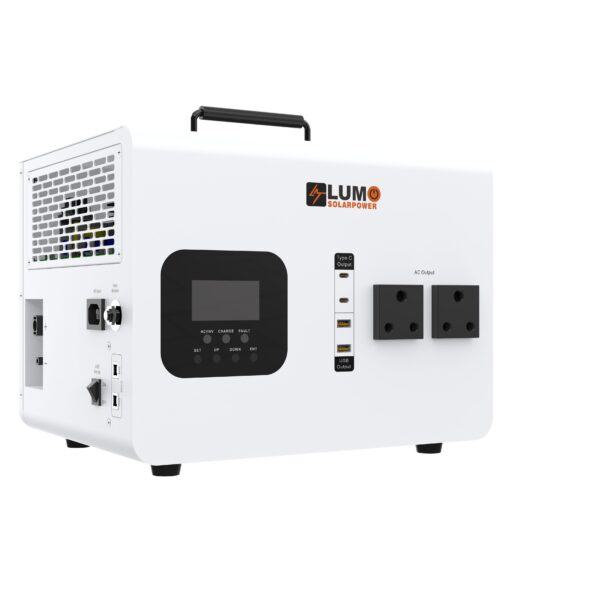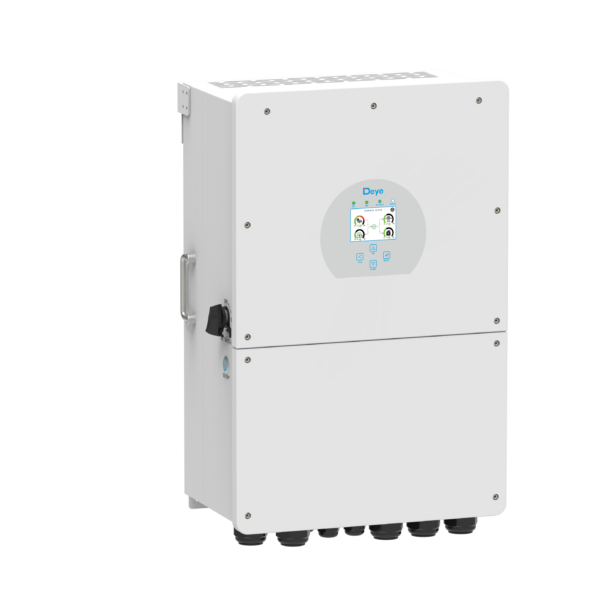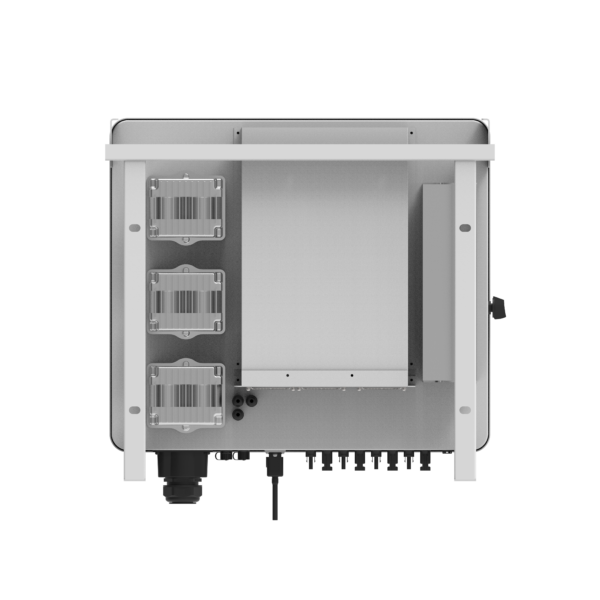
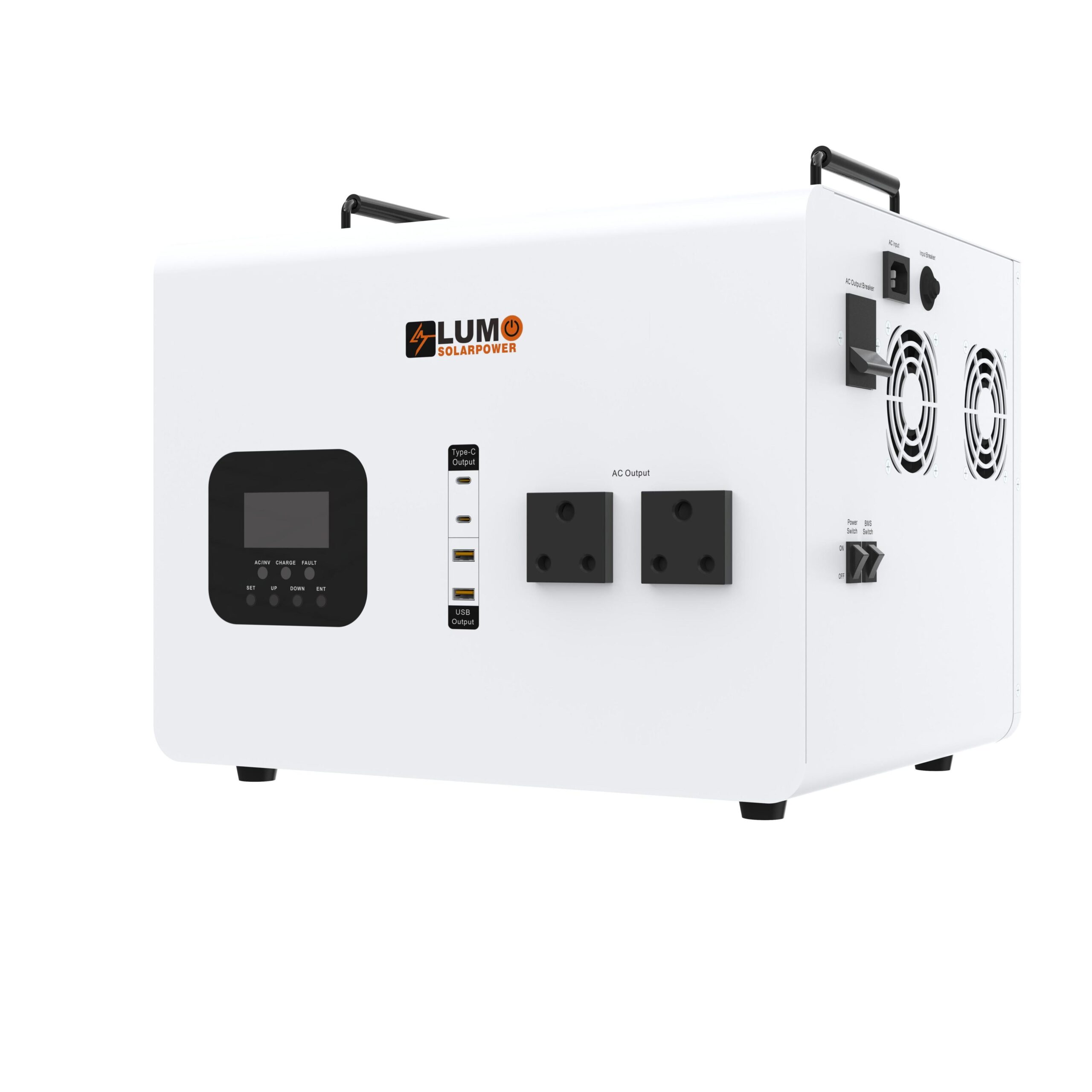
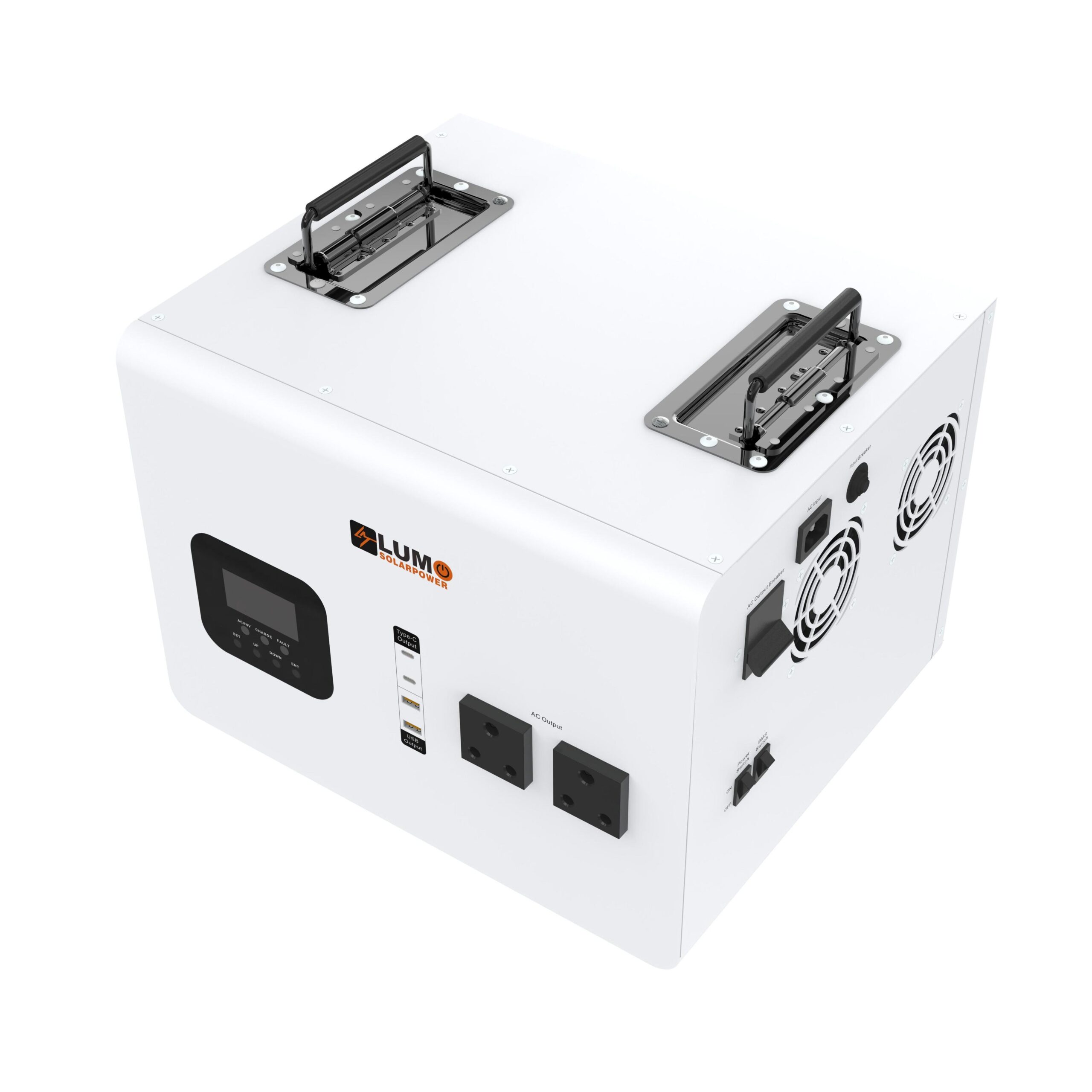
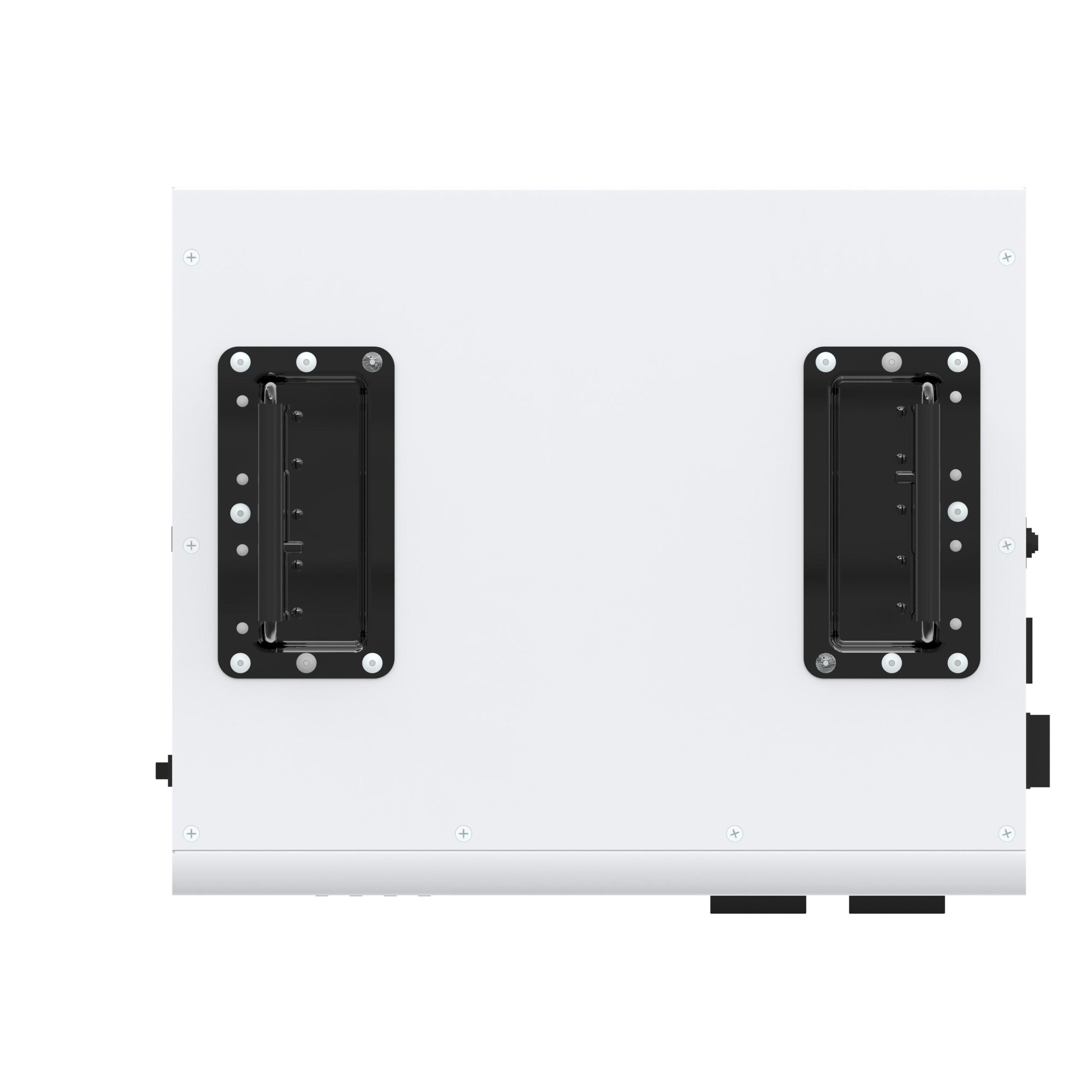
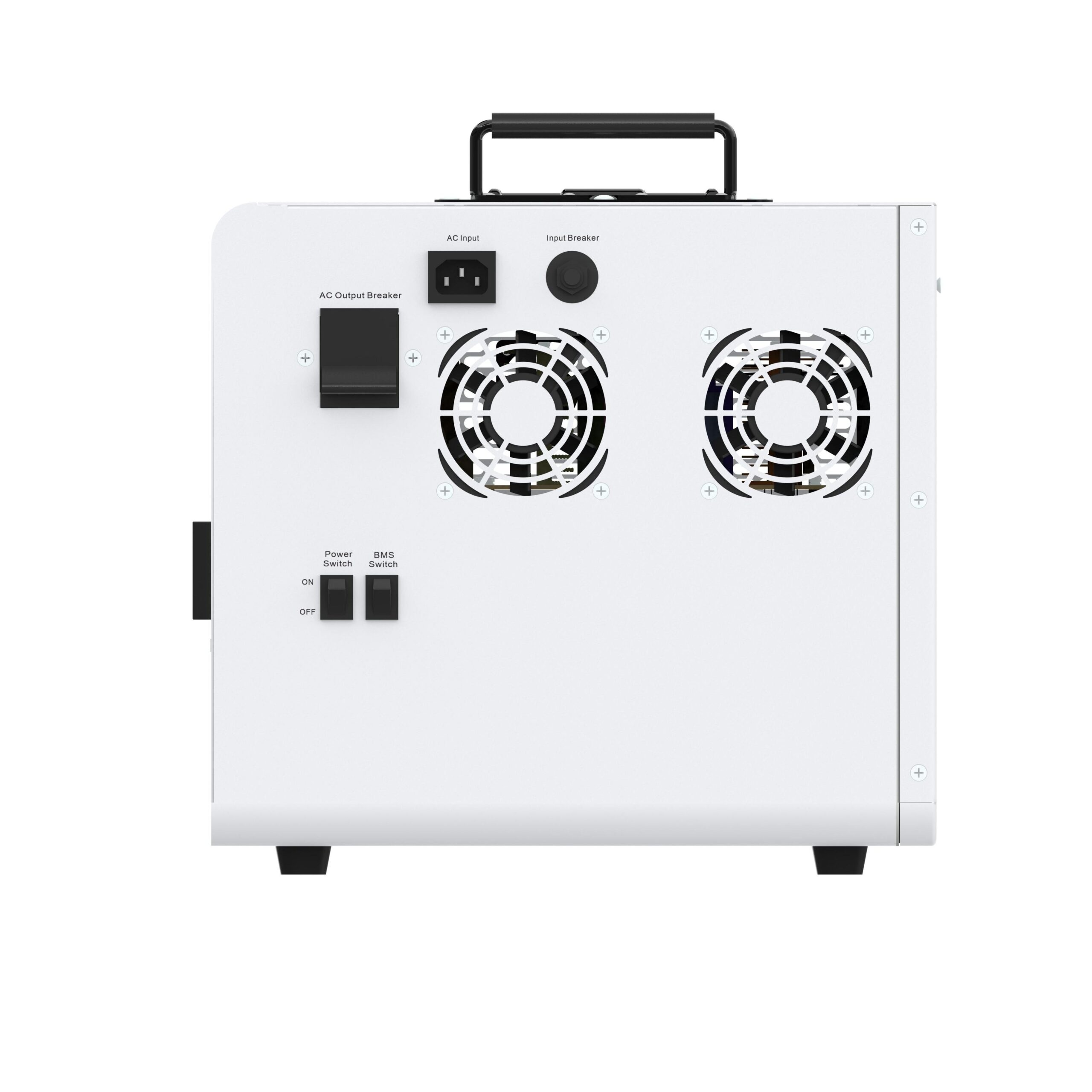
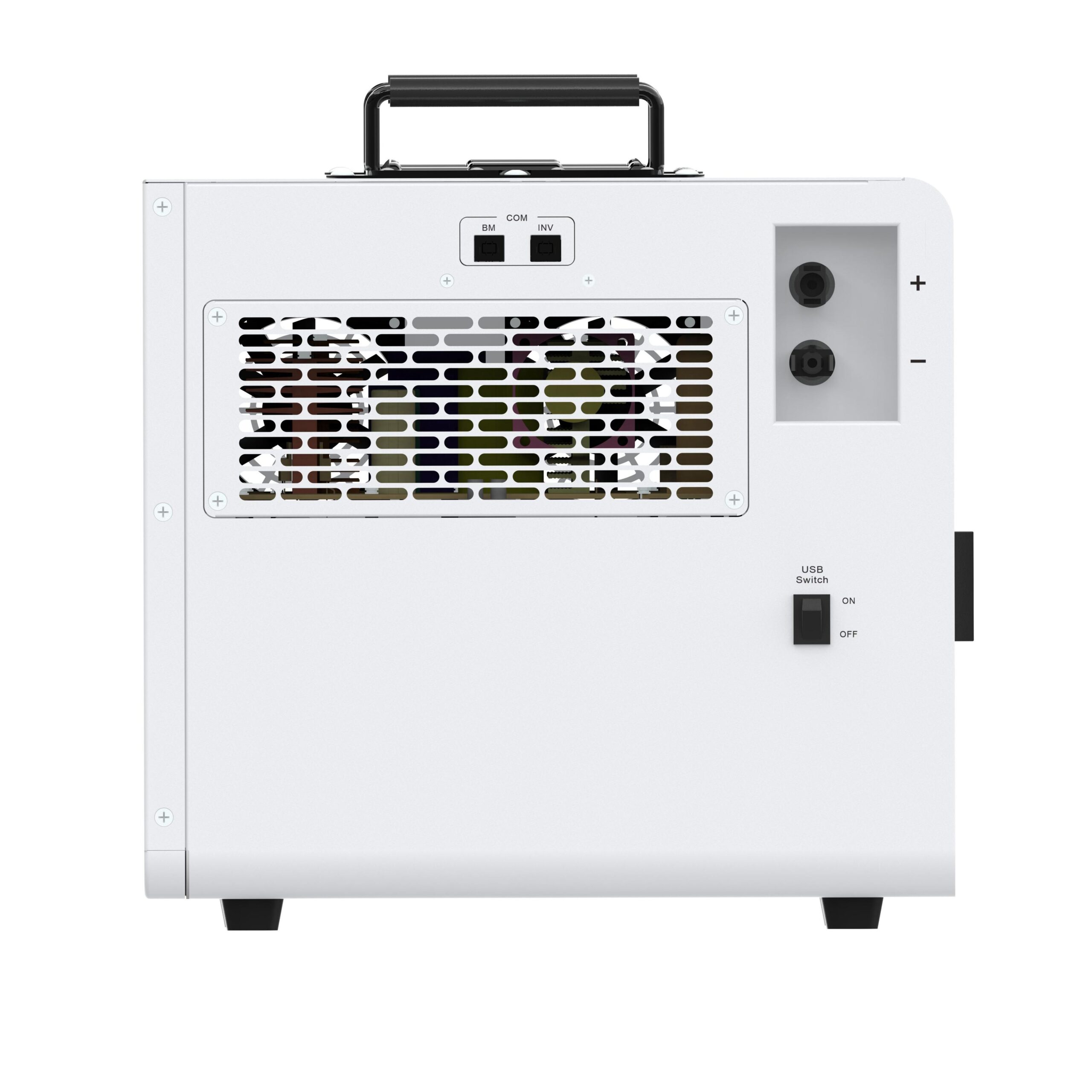

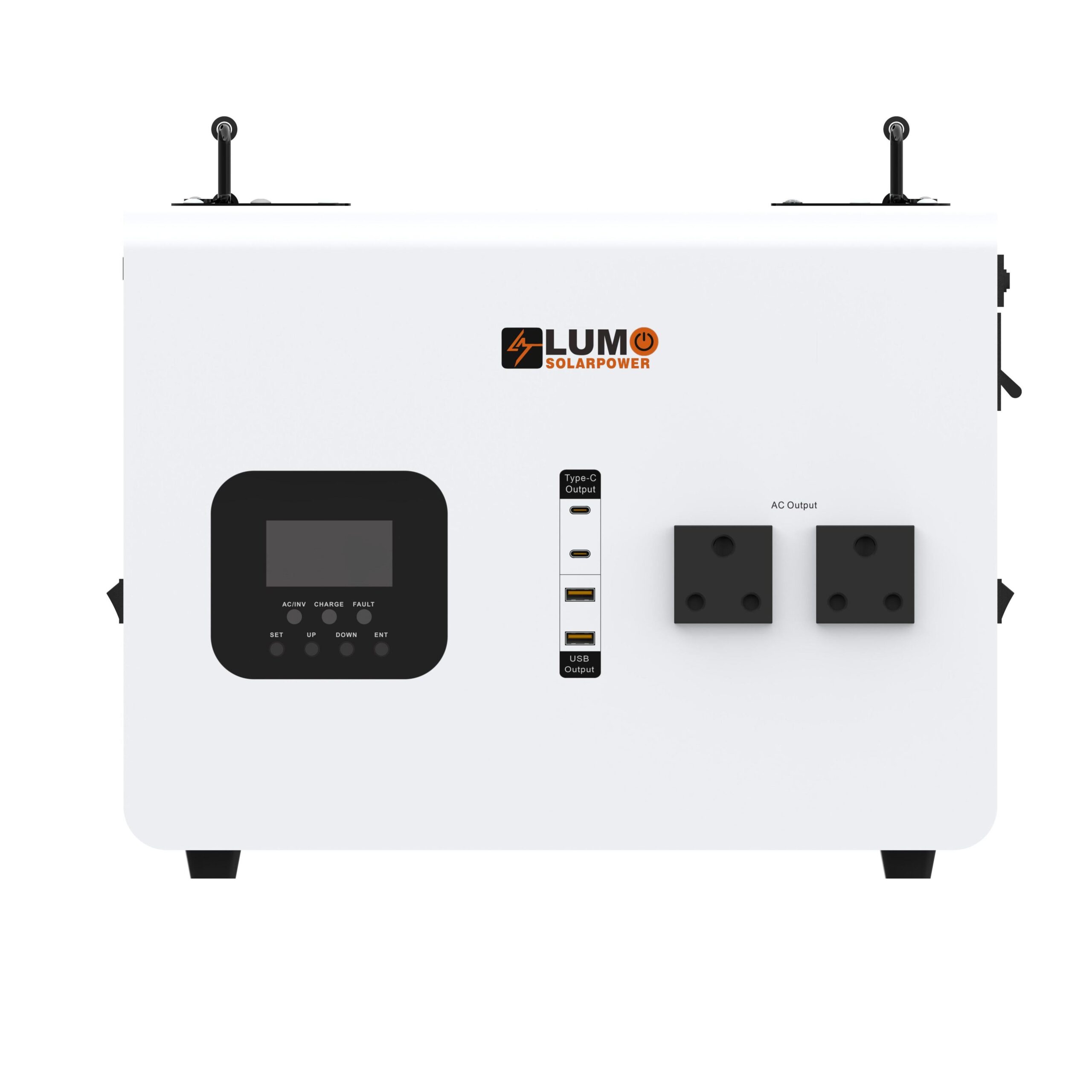
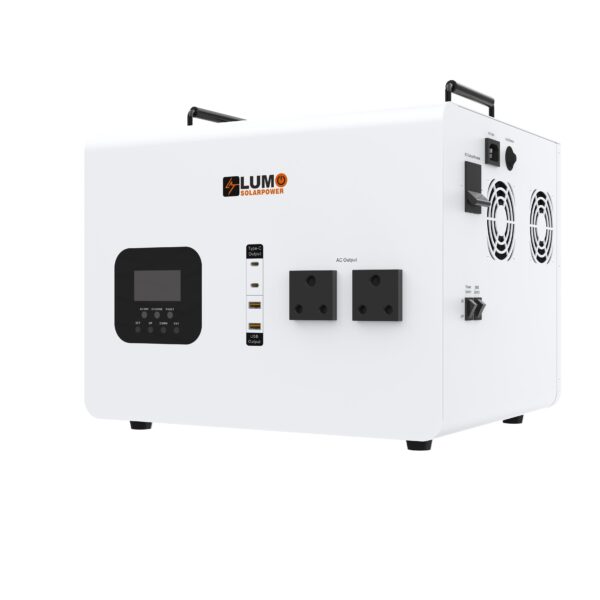
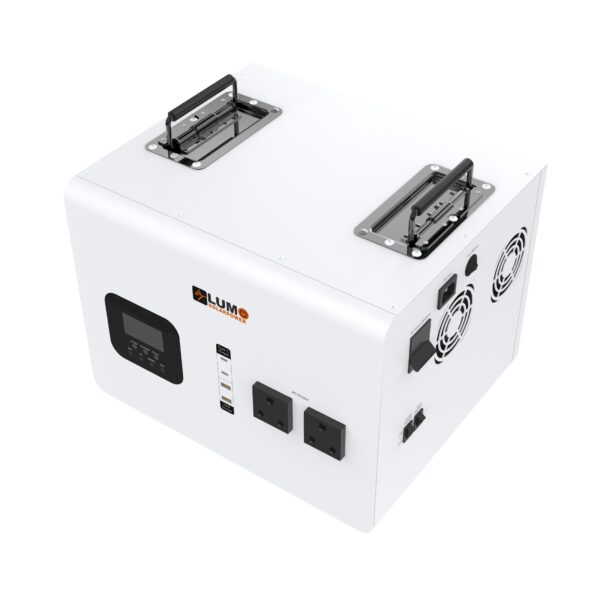

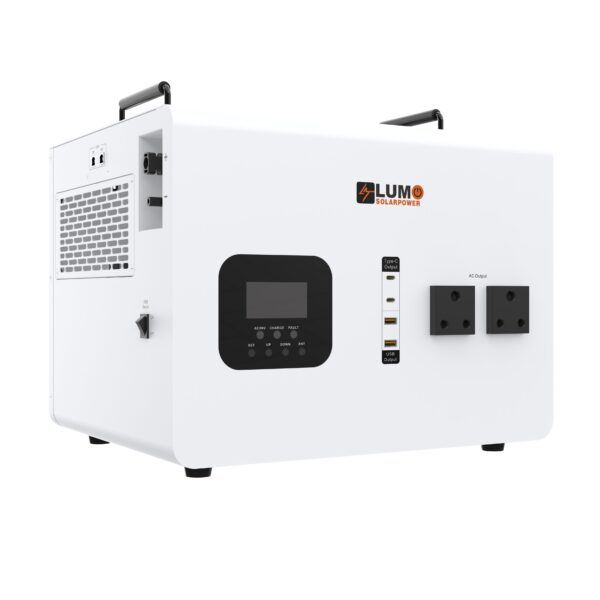
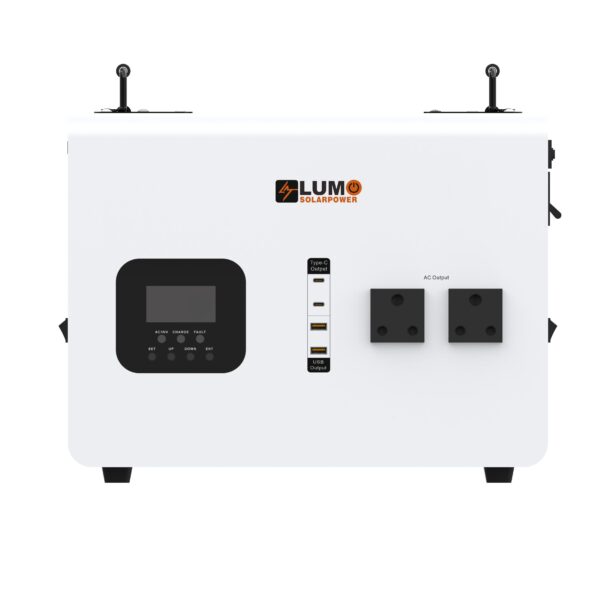
Lumo PowerAll 2 Backup Power Station
Original price was: R27,500.00.R19,000.00Current price is: R19,000.00.
The Lumo PowerAll 2 is listed as a backup power station for selected household, office and portable-use requirements. Start by identifying the devices that matter during an interruption. Solar Deity can review the intended application with the specifications of the unit being supplied.
Build a backup plan around the PowerAll 2
The Lumo PowerAll 2 is listed as a backup power station for selected household, office and portable-use requirements. Start by identifying the devices that matter during an interruption. Solar Deity can review the intended application with the specifications of the unit being supplied.
Confirm the exact unit version
Ask for the continuous output rating and battery specification for the supplied model. Product-family names and peak ratings should not replace those details. Where equipment versions differ, use the matching model documentation before making a final appliance selection.
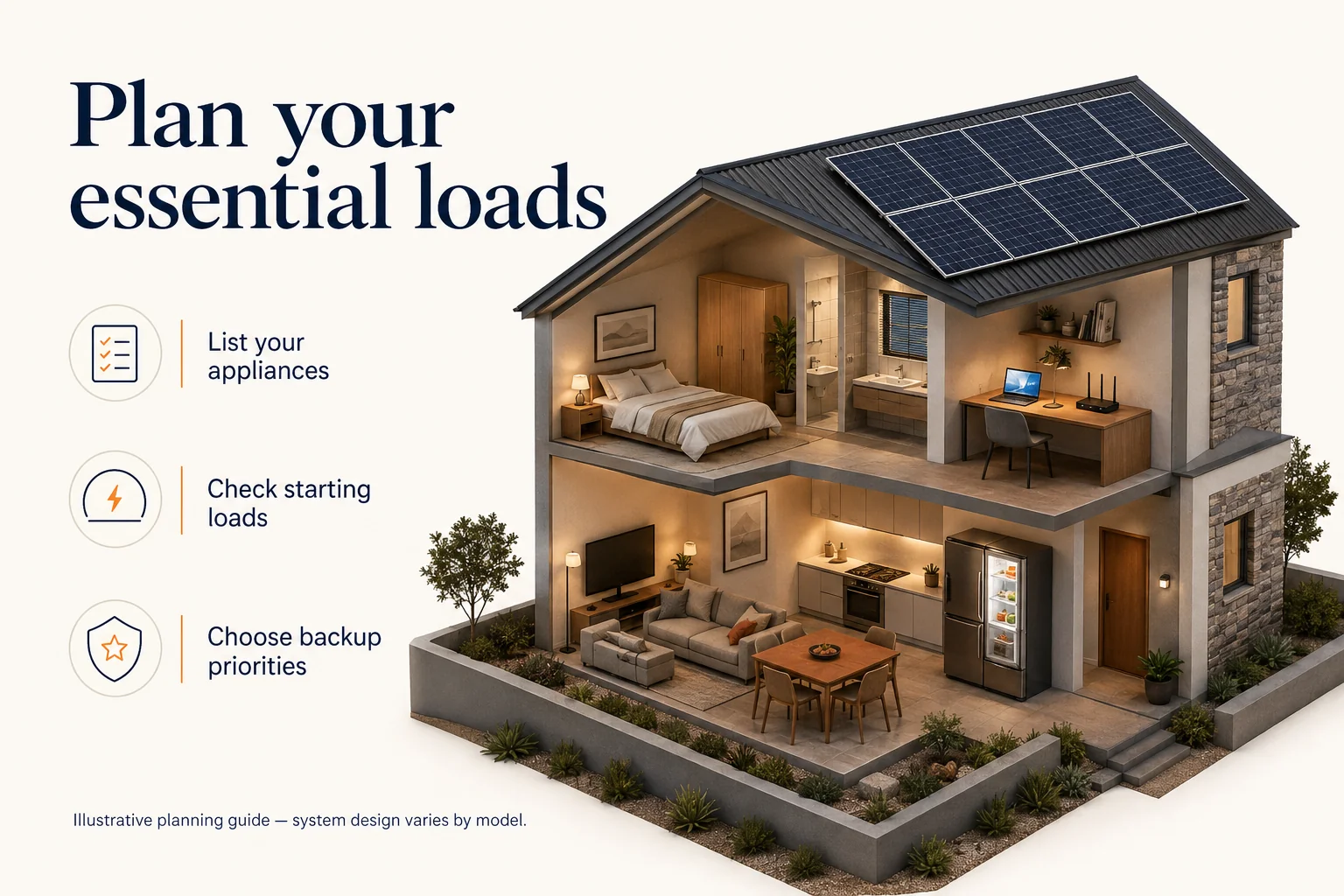
Match loads to the operating requirement
List devices that must run together, including their running demand and any startup requirement. A short-duration peak value is different from a continuous output rating. Have the selected loads checked together rather than assuming each appliance can be added independently.
Review charging and backup duration
Confirm the supported charging methods and the limits that apply to the supplied version. If solar charging is planned, the proposed modules and electrical arrangement need a model-specific check. Charging time and backup duration vary with the operating conditions; request an estimate with its assumptions stated.
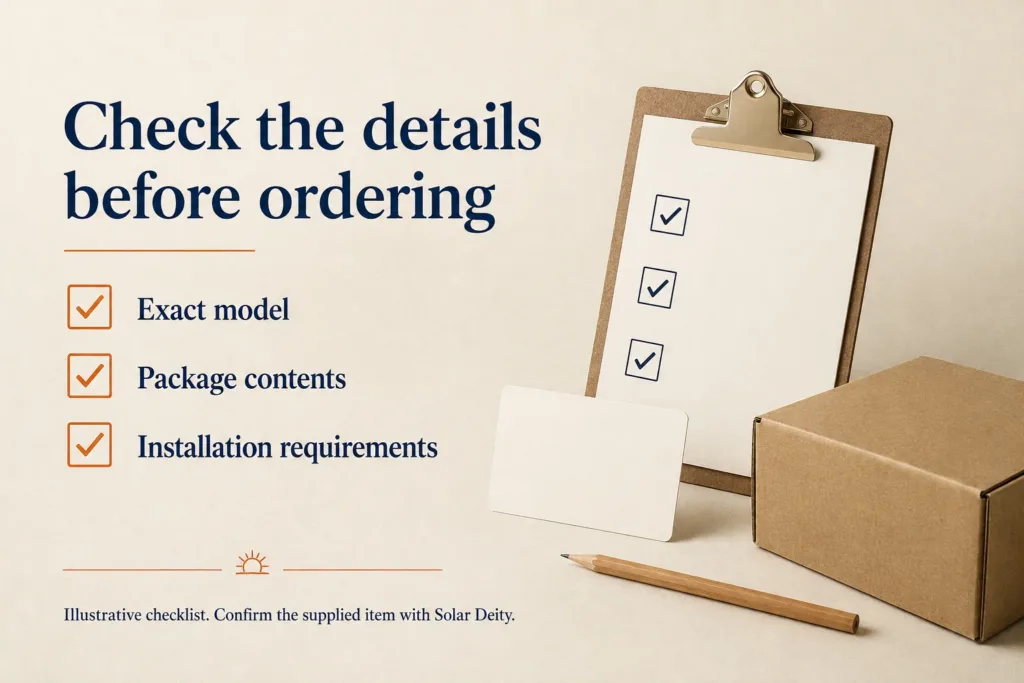
What should the order specify?
Request the exact unit code, included leads, battery energy, applicable documentation and warranty terms. Describe the intended location and portability needs, including how the unit will be moved and stored. Keep this information together so later support enquiries can refer to the actual supplied equipment.
Contact Solar Deity with your equipment model details for a product-specific quotation.
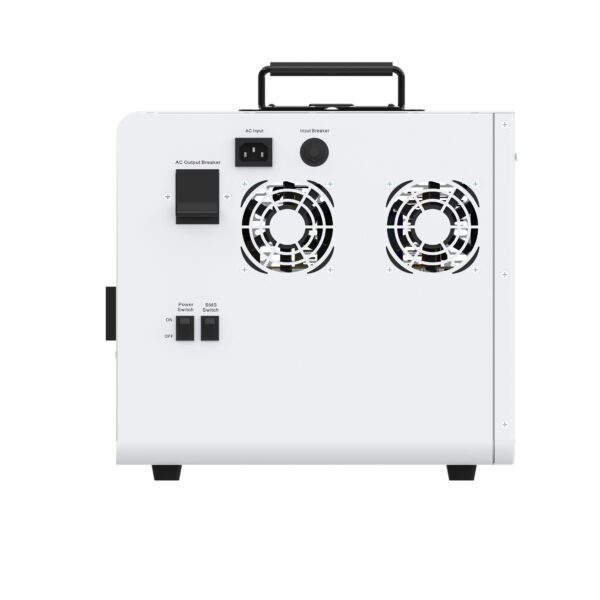
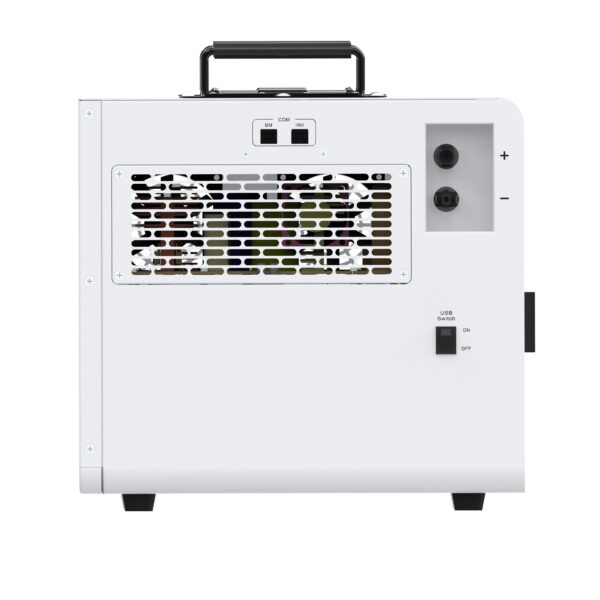
| Weight | 30 kg |
|---|---|
| Dimensions | 45 × 37 × 42 cm |